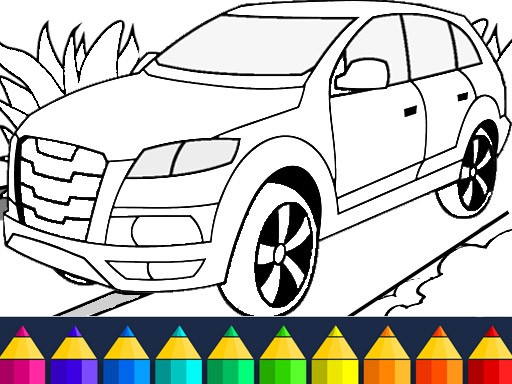
Digital Paint Garage stands out for its simplicity and focus. The interface is clean, with no distracting menus or timers. Children enjoy the immediate feedback of filling areas with color, while adults appreciate the stress-free environment. The variety of vehicle outlines keeps the activity fresh, and the ability to save or print final pieces adds a nice sense of accomplishment. It is a well-executed, family-friendly application that delivers exactly what it promises.
Upon opening the application, you are presented with a gallery of vehicle outlines. These include common road cars, sturdy trucks, and farm tractors. Each outline is a clean, uncolored template ready for your personal touch. The selection process is straightforward: browse the thumbnails and click on the one that appeals to you. This initial choice sets the stage for your creative session.
A standard color palette appears on the screen, offering a range of hues and shades. You can click on any color to select it, then click on the area of the vehicle you wish to color. The application responds instantly, filling the selected region with your chosen color. This direct interaction makes the process feel immediate and satisfying. You can switch colors as often as you like, layering different shades to create depth.
Mistakes are part of any creative process. This tool includes an undo feature that lets you reverse your last action. If you want to clear all your work and begin again, a restart option is available. These features remove any worry about making permanent errors, encouraging you to experiment freely with different color combinations.
Once your vehicle design is complete, you have the option to save the image to your device. Many users choose to print their finished artwork. This allows you to display your creation on a wall, refrigerator, or give it as a handmade gift. The ability to produce a physical copy adds a tangible reward to the digital activity.
This application runs entirely in a web browser. There is no software to download or install. It works on desktop computers, tablets, and smartphones. The interface is designed with large buttons and clear labels, making it easy for young children and adults alike to navigate. Because it is free, there are no advertisements or in-app purchases to interrupt the experience.











Player Reviews
Sign in to comment
You must be logged in before posting a review or rating.
No account? Create one
No comments yet. Be the first to comment!