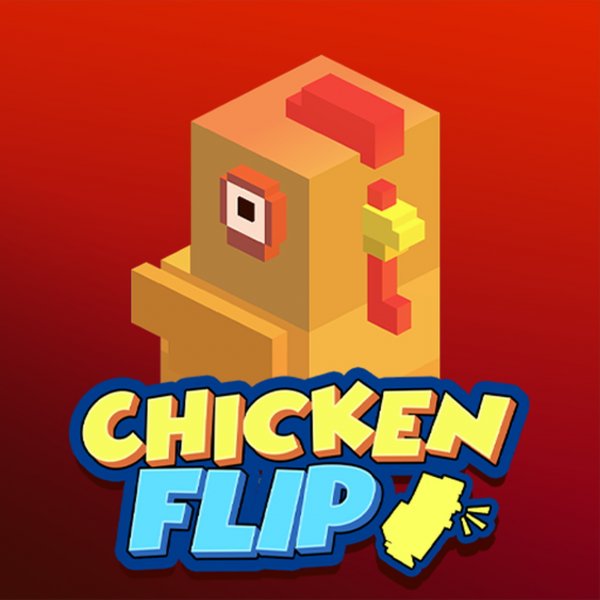
Chicken Flip Arcade Game
Reviews
Chicken Flip is a delightful physics arcade game that rewards timing and patience. The controls are simple, but each level presents new obstacles that require careful jumps and landings. The coin system adds motivation to replay levels for upgrades. The humor of watching your chicken flip and sometimes fail keeps the experience lighthearted. It is a great choice for quick gaming breaks.
About This Game
Game Introduction
Chicken Flip is a physics-based arcade game that challenges you to guide a chicken down treacherous hills. The goal is to land safely on its feet after each jump and flip. A bad fall causes the chicken to break into pieces, and you must restart the level. The game tests your timing and precision as you navigate increasingly difficult obstacles. Early levels are simple, but later stages require sharp skills. Collect coins along the way to unlock unique skins, items, and upgrades for your chicken.
How to Play
In Chicken Flip, landing is everything. Press D or the right arrow key to jump. Press A or the left arrow key to slow down. Jump at the right moment and slow down when needed to land smoothly on your chicken's feet. One wrong move sends your chicken back to the start. Watch for obstacles and hazards on the terrain to prepare your jumps. Collect coins scattered around to earn rewards. The game involves trial and error, so expect to crash and fail often. Keep retrying with better timing to progress.
Game Features
Fun physics engine that makes each flip unpredictable. Cute chicken character with customizable skins. Challenging levels that increase in difficulty. Coin collection system for unlocking upgrades. Simple controls that are easy to learn but hard to master.
Tips for Success
Focus on timing your jumps carefully to avoid obstacles. Practice each level multiple times to learn the terrain. Use the slow-down control to adjust your speed before landing. Collect as many coins as possible to unlock useful upgrades. Stay patient, as trial and error is part of the fun.